Multi-company business platform
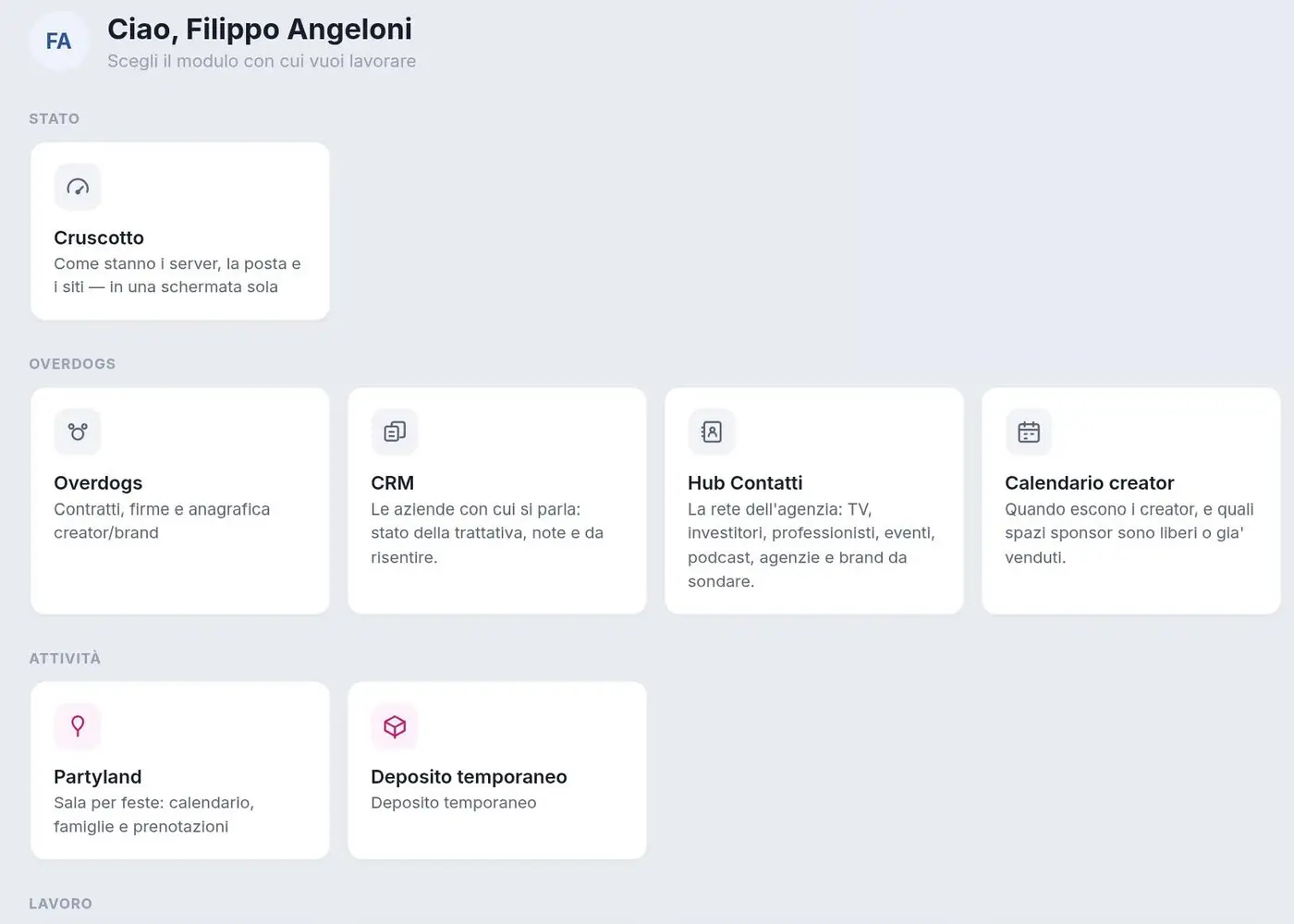
A single piece of software with more than 35 modules that runs four different companies every day, from CRM to invoicing.
We connect your tools so data moves on its own, with no copy and paste and no subscriptions that grow with usage.
Software · also on existing projects
Every day someone in your business copies an order into an Excel sheet, sends the same confirmation email by hand, updates the CRM after a phone call or checks whether a payment has arrived. It is only a few minutes at a time, but by the end of the month it adds up to hours, and every manual step is a chance to make a mistake.
With automation, data moves from one tool to the next on its own. You keep using the software you know and stop acting as the bridge between them.
Some workflows that can be built with widely used tools:
The multi-company business platform we use every day has an Automation module that replaced Zapier. It connects Stripe, WooCommerce, LearnDash (the online course platform) and Google Sheets: payments, orders and enrolments move from one system to another with no manual work and no subscription that grows with the number of operations. The same platform also replaced MailerLite for newsletters.
Online shops, schools and course sellers, professional practices, event venues and restaurants that work on bookings, and generally any business where someone spends part of the day moving data from one program to another.
No. In most cases we connect the tools you already have (WooCommerce, Stripe, Google Sheets, your CRM) through their APIs, the access points these services provide for exchanging data.
Zapier and Make charge by the number of operations, so the cost rises as your business grows. A custom automation runs on your server or ours, has no operation limits and does exactly what you need.
Every step is logged. If an external service does not respond, the automation tries again and, if the problem persists, you get an alert with the details of the error, so no order or contact is quietly lost.
It depends on how many tools need connecting and how many special cases there are. After an initial call we send you a written quote, with the build cost and any monthly cost for server and maintenance.
Automations can run on your servers or on our infrastructure in Europe. We only use the access that is strictly necessary and keep track of who can do what.
A single piece of software with more than 35 modules that runs four different companies every day, from CRM to invoicing.
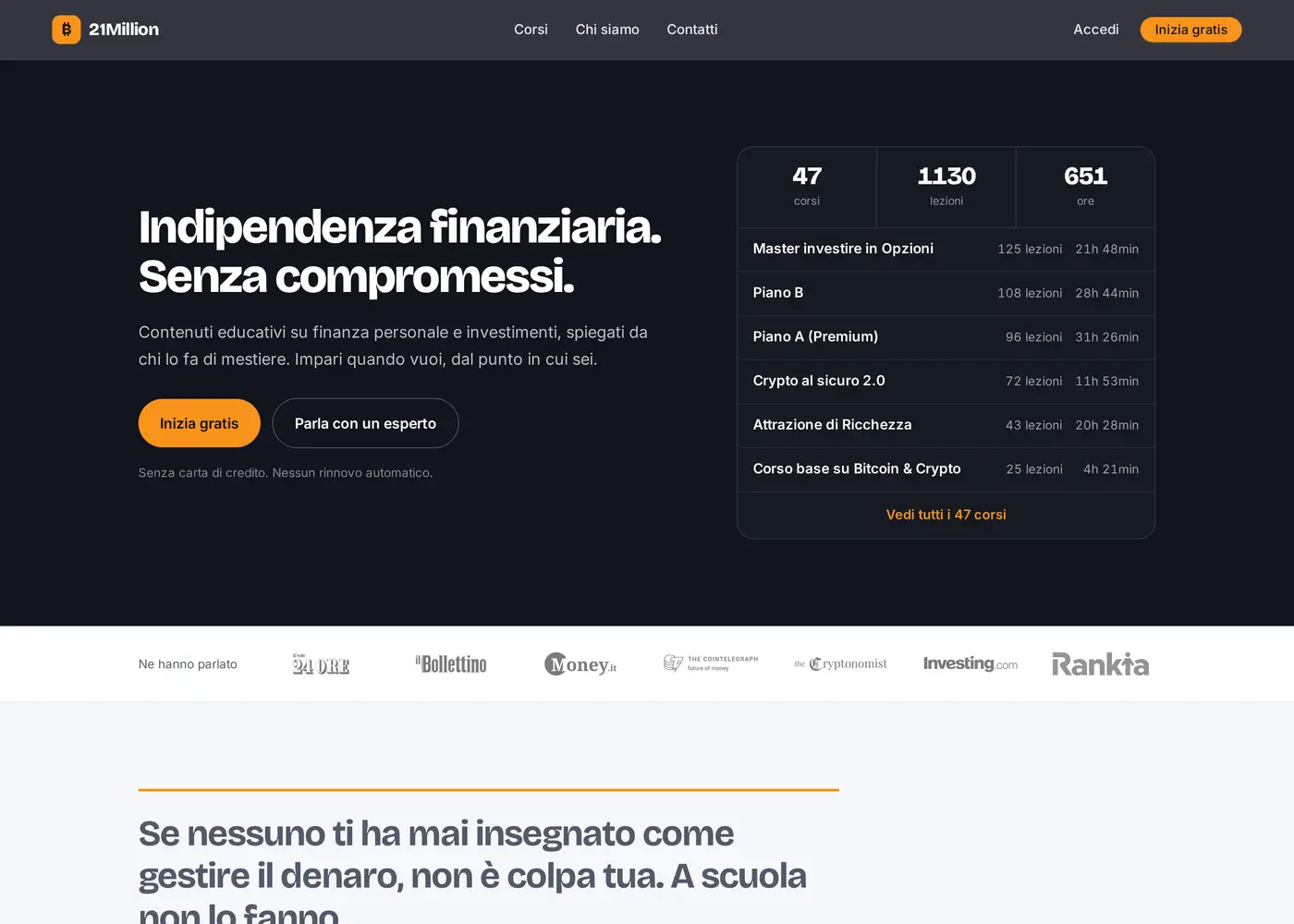
Finance course platform with protected videos, replacing WordPress and LearnDash with a custom backend.
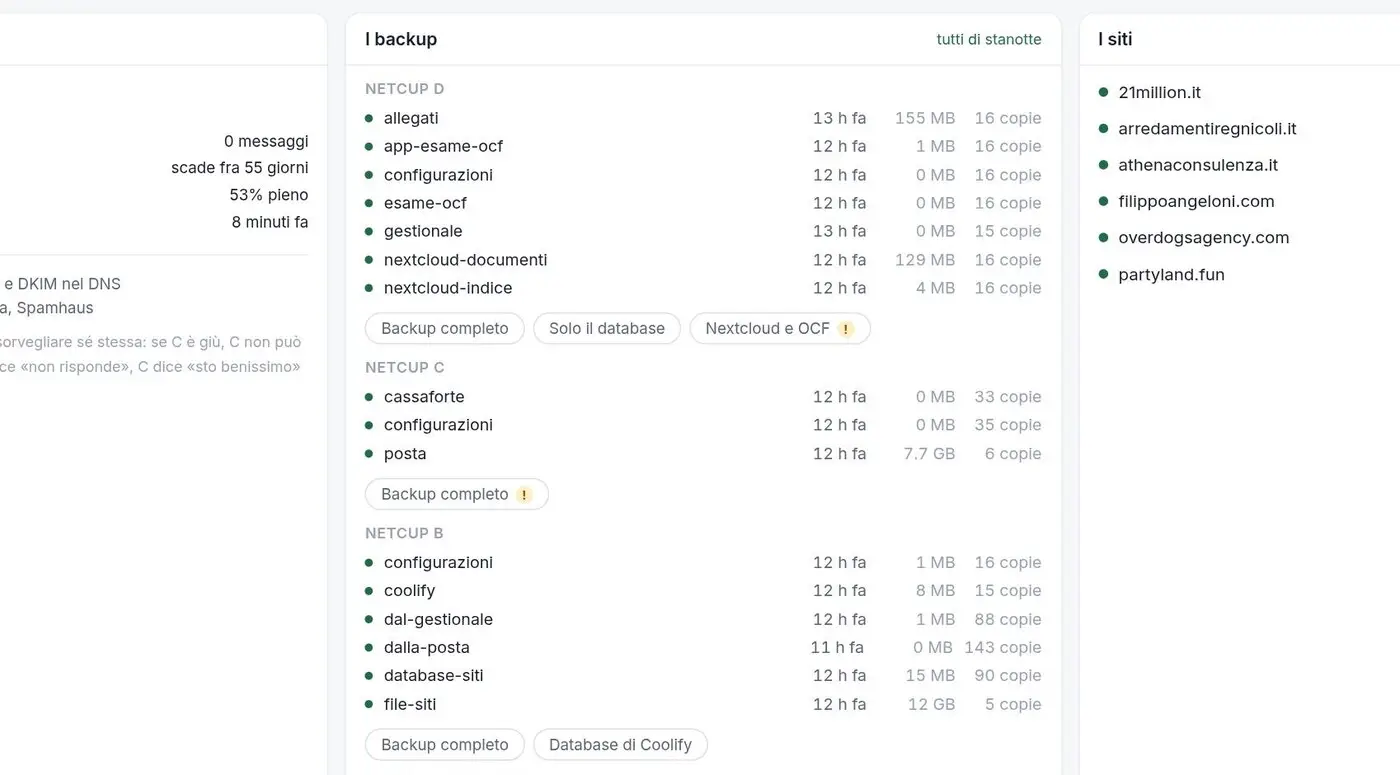
European servers we manage ourselves, with automatic deployments, and email, cloud storage, video calls and passwords kept in-house.