Client portals and bookings
Client areas, payments, billing details collection and call booking on dedicated addresses, all connected to the business platform.
- Stack
- React, Node.js, PostgreSQL
- Area
- Software
Where we started
At first the business platform had a single door: the login, with the modules for staff behind it. But a lot of information has to come in from outside: a new client’s invoicing details, a call to schedule, the date of a party, the documents for a registration. Without a dedicated channel, this data arrives by email or phone and has to be copied across by hand, with the risk of mistakes and forgotten steps.
We needed simple pages, open even to people without an account, that would write straight to the right place.
What we did
We didn’t build a separate site for each need. When the same business platform is opened from a dedicated address, it shows a portal instead of the internal modules. The site name and the path decide what to show: a few lines of code, readable on a single screen, with no extra libraries.
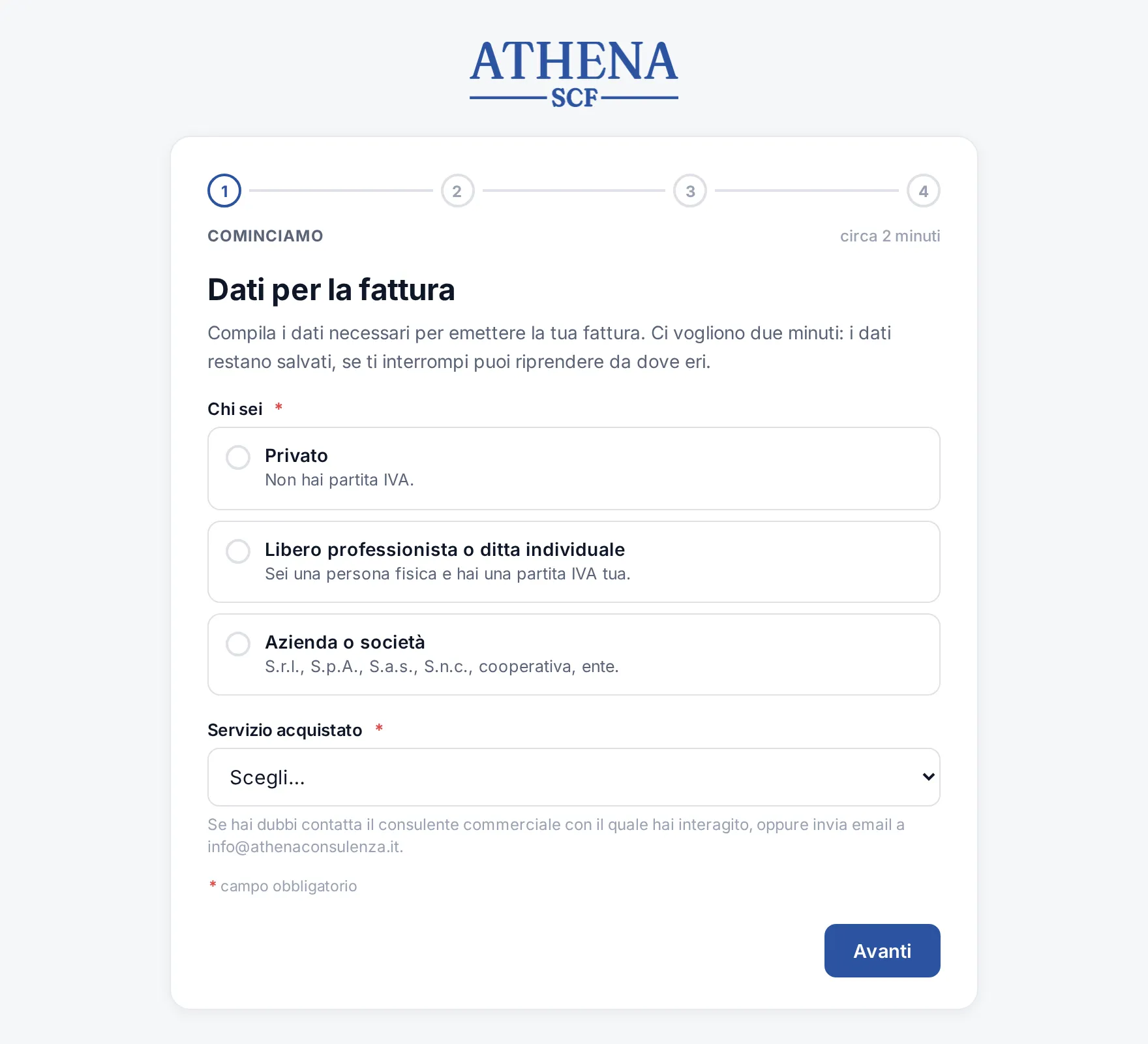
Each portal has an address that’s easy to read out over the phone or paste into a chat. For invoicing, for example, each company has its own: the client receives a personal link, fills in their details once and they go straight into the records used for Italian e-invoicing. The payments page has a different address because it does the opposite job: there the client doesn’t type anything, they read the bank transfer details.
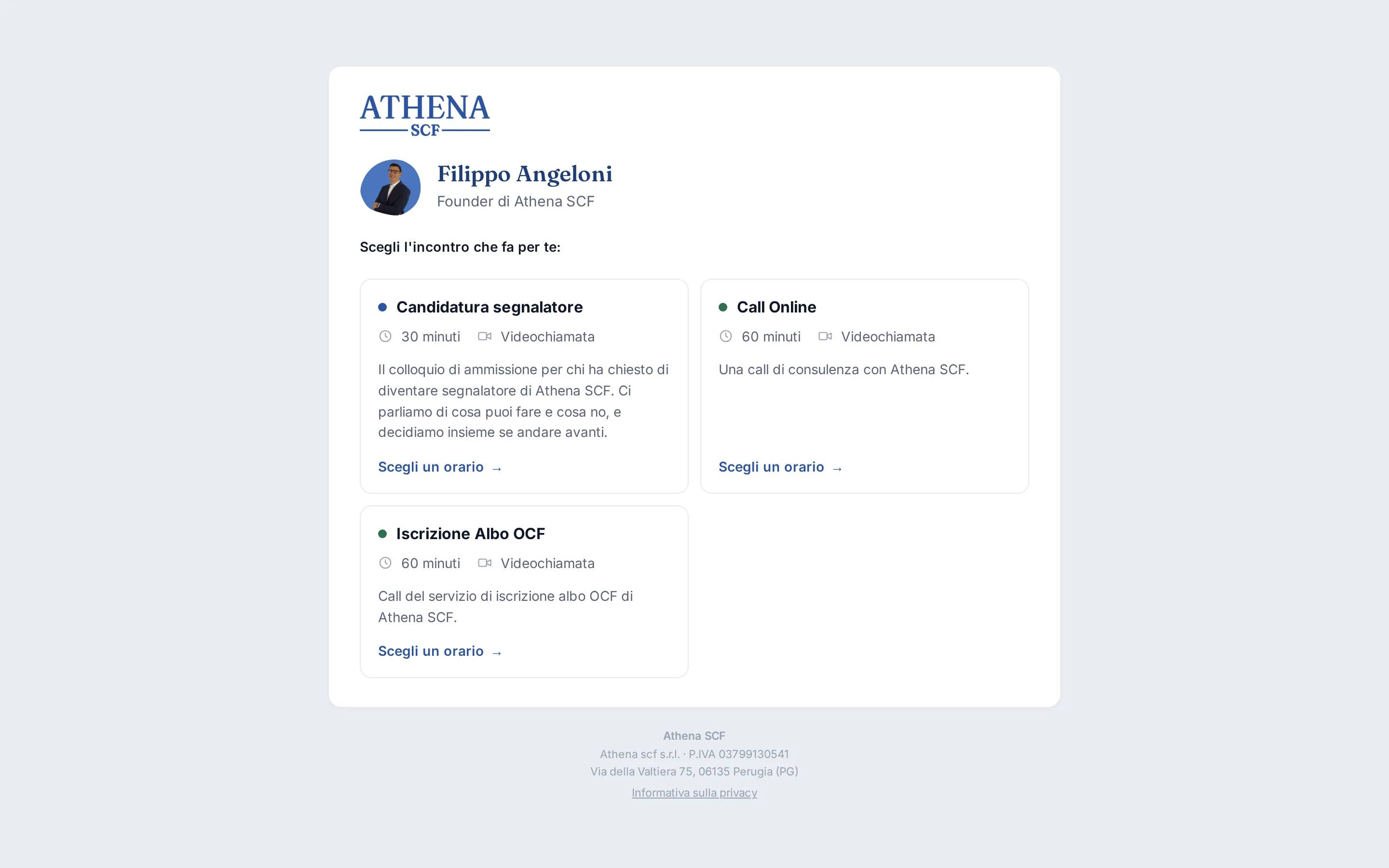
For call bookings there’s no list of domains written into the code. The address just has to start with “prenota.”: the server recognises which brand it is and which colours to show. Whoever booked receives a personal link to move or cancel the call.
Where outside people come in, such as an agency’s creators or the referrers in a sales network, the address opens a portal showing only the data of the person signing in. The person’s role decides which portal to show. An administrator can sign in from the same address and see exactly what the outside user sees.
How it’s built
- Private client area, with access by invitation
- Billing details collection with a personal link for each client
- Payments page with bank transfer details, for each company
- Call booking by adviser and meeting type, with reminders, video call and Google Calendar
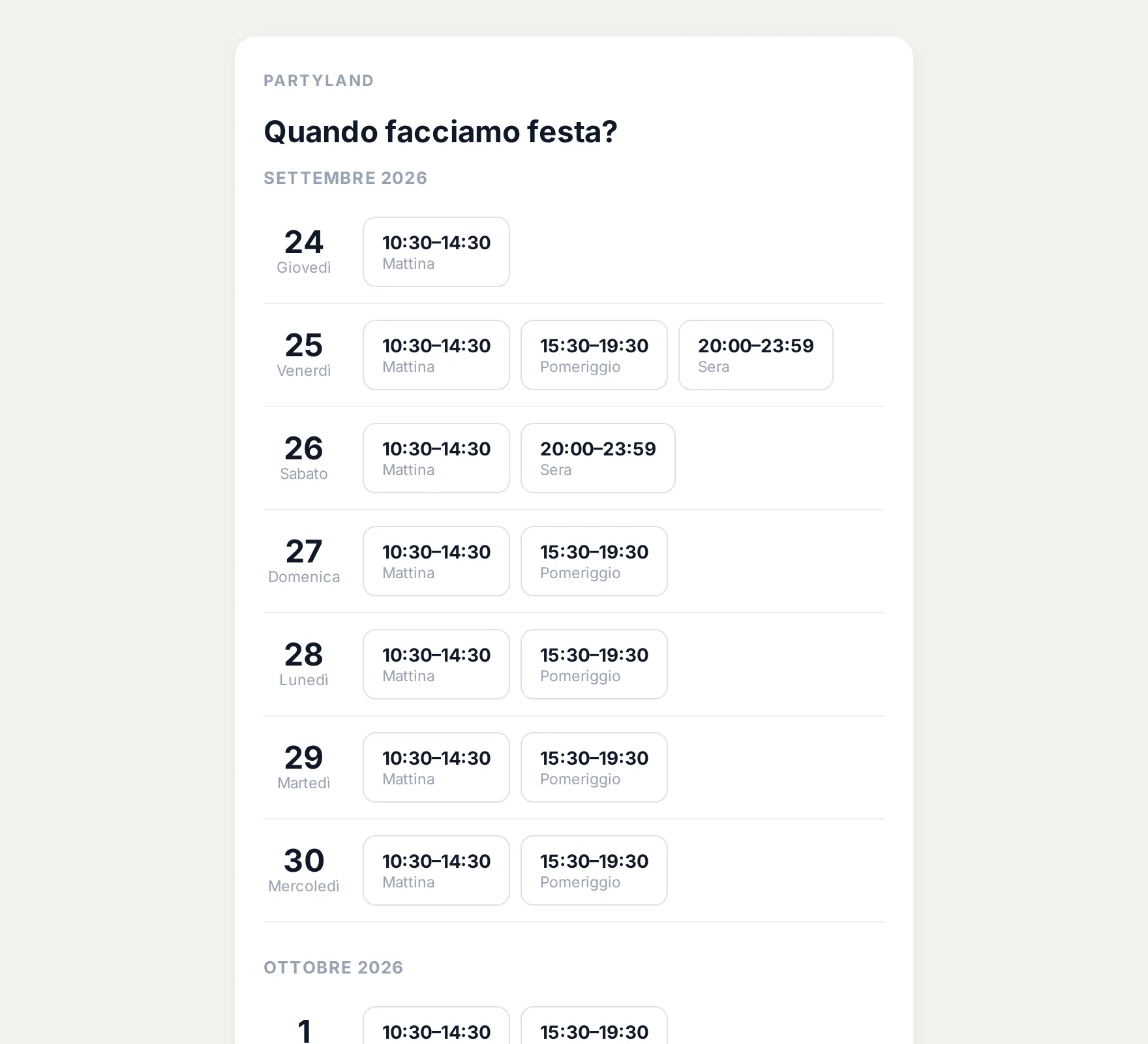
- Party date requests, with the venue calendar
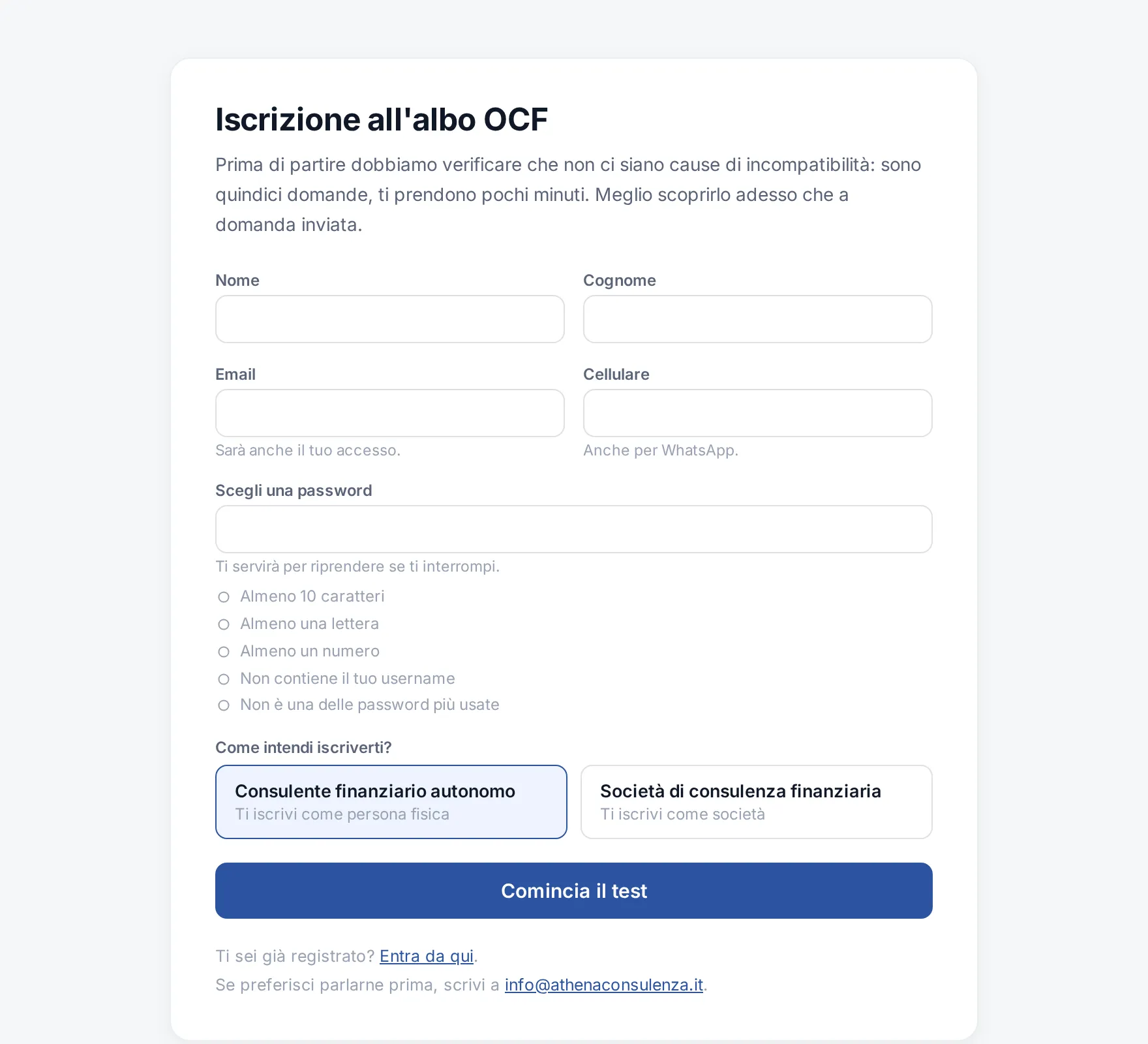
- Guided path for registering on the financial adviser register, with the documents to upload
- Creator portal: agreements, fees received and due, personal details
- Sales network portal for referrers and network leaders
- Privacy notices and cookie banners for connected websites
Outcome
Clients, parents, creators and collaborators use simple pages, designed for phones too, and their data reaches the business platform without being copied across. All the portals are the same application: a fix or a new feature reaches all of them with a single release.